A quarter of a million emails before lunch
The busiest hour of an ordinary day is the morning newsletter: around a hundred thousand emails in the first hour, a quarter of a million by lunch on a big day. Alongside that, the system sends order confirmations, dispatch notices, invoices, password resets, back‑in‑stock alerts, abandoned‑basket nudges, reorder reminders, review requests, pallet notices for fulfilment customers, chat notifications — fifty‑five outbox types in the enum at last count — and every one of them goes through the same pipeline. This note is that pipeline.
Outboxes: every kind of email is a thing with stats
An outbox is a kind of email for a shop: order confirmation for shop X, newsletter for shop Y. It has a template, a sender, subscribers (who may unsubscribe from this kind without leaving the others), and its own statistics and time series — sent, delivered, opened, clicked, bounced, per day. A mailshot is a one‑off send through the marketing or newsletter outbox; an automated reminder is a scheduled send through its own. Because each is an outbox, the question "does the reorder reminder work" is a row on a dashboard, not an investigation.
Preparing a send
A mailshot starts with an audience: a query over customers — shop, tags, last order, opted in — built by a recipient builder that writes one recipient row per person. The email is composed in a visual editor (a hosted drag‑and‑drop builder embedded in the staff app) with merge tags for the customer's name, their last order, their currency; a second wave can be cloned for the people who did not open the first; a sent newsletter can be turned into a blog post on the storefront with one action.
Preparing is separate from sending on purpose. A hundred‑thousand‑row recipient list is written first, in chunks, by a job; the send reads from it. If anything goes wrong mid‑way, the list says exactly who has and has not been sent.
Sending through a queue
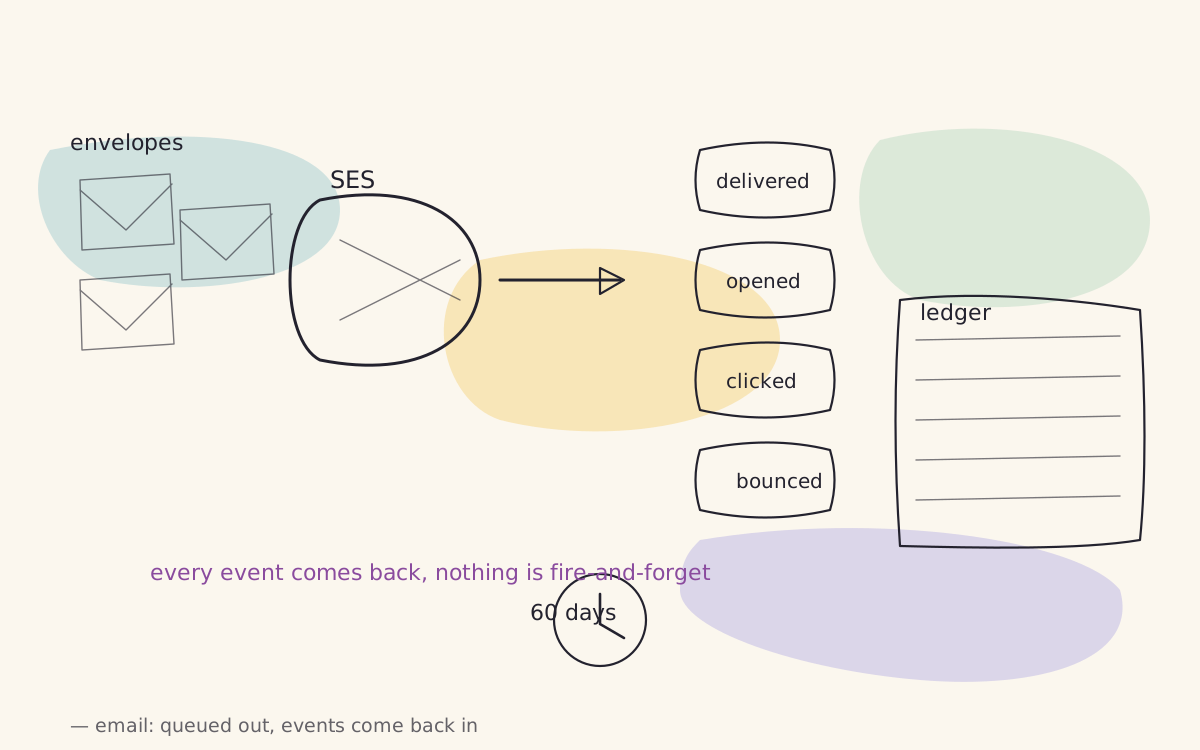
Each recipient becomes a dispatched email row and a job on a dedicated queue. A Horizon supervisor works that queue with a small number of processes — two, on purpose — each of which renders the email for its recipient, hands it to Amazon SES, and records the provider's message id against the dispatched email. SES gives us a send rate and a daily quota; the queue gives us control over how hard we push against them. A quarter of a million sends at two workers still finishes before lunch, because each send takes well under a second and the bottleneck is the provider, not us.
The email's links are rewritten to carry the dispatched‑email id and, for marketing sends, the mailshot's reference — which is how a click becomes a traffic source on the customer and an attributed order later.
Knowing what happened
SES does not tell you synchronously whether an email arrived. It publishes events — send, delivery, open, click, bounce (soft and hard), complaint, delay, reject — to an SNS topic, and SNS posts each one to a webhook on our side. The webhook stores the notification, a job matches it to the dispatched email by the provider's message id, and writes an email tracking event with its type and timestamp.
From there: a hard bounce or a complaint marks the address so the marketing builders will not pick it again; an open or a click updates the dispatched email's state and the outbox's counters; clicks with a mailshot reference become touches for attribution. The customer's page shows the emails they were sent, and for each one, what happened to it. The provider keeps publishing open and click events for sixty days after a send and then stops — which is a fact we leaned on when deciding how long to keep the rows.
The retry storm
One honest story. For a while, the send job retried a throttled call with a back‑off written in microseconds — twelve attempts inside seven milliseconds, roughly 1,700 calls a second against a per‑second bucket, which tripped it and kept it tripped. The symptom was tens of thousands of throttling errors in the morning burst and a request to the provider to raise our limits. The limits were raised; the errors continued. The fix was one line: exponential back‑off with jitter, 100 ms doubling to a 2 s cap. The next morning's burst — the same size, ninety‑nine thousand emails in the hour — produced zero throttling events.
The lesson is less about sleep units than about diagnosis: when a provider says slow down, look at how fast you are retrying before you ask them for more.
What the marketing team sees
Per outbox and per mailshot: sent, delivered, opened, clicked, bounced, unsubscribed, with a time series and a comparison to the previous send; an email's journey on the customer's page; and, through attribution, the orders and revenue each send produced. The engine behind it is an outbox row, a dispatched email row, a tracking event row — three tables and a queue — and a quarter of a million of them before lunch.